
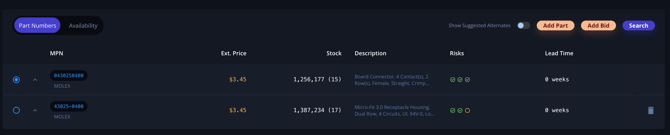
- Click into the part number you wish to modify.
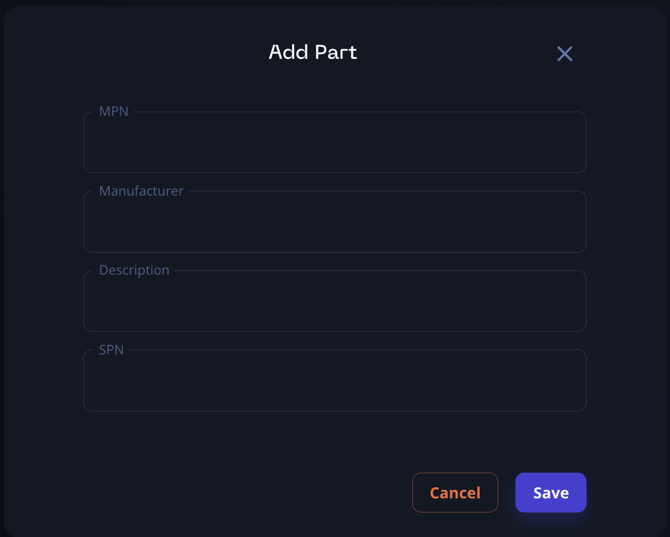
- Select "Add part".
- Enter the new or alternate part number.
Note:
- You can always delete an incorrect part number after adding a new one.
- This process allows you to add alternate part numbers or correct any mismatches between the BOM and Breadboard's automatic matching.
Remember, Breadboard's primary goal is to accurately match MPNs to the part numbers in your BOM, but this manual modification option gives you more control when needed.