
Here's the step-by-step process:
- Add a new bid:
- Click into the relevant part number.
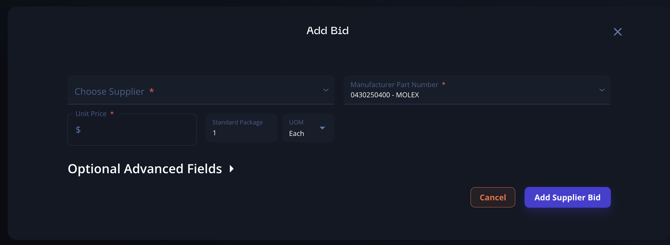
- Select "Add bid".
- Enter the details for the new bid.
- Delete the old bid:
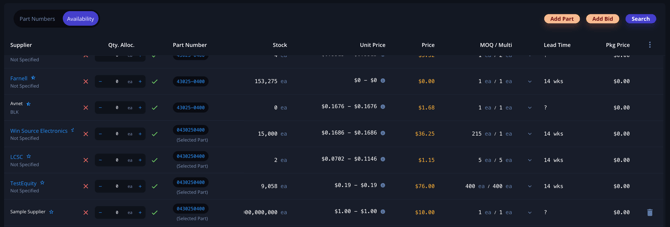
- Go to the availability view for the part.
- Locate the old bid you want to replace.
- Delete the old bid.
Note:
- You cannot directly edit an existing manual bid.
- Always add the new bid before deleting the old one to ensure you don't lose any important information.
- Double-check the details of the new bid before deleting the old one to make sure all necessary information has been transferred correctly.
This process allows you to effectively "modify" a manual bid by replacing it with an updated version.