
There are two ways to update package sizes:
- Update for an individual supplier:
- Click on the arrow next to min/mult.
- Add the package size for the specific supplier.
- Change the Unit of Measure (UOM) if necessary.

2. Update across all suppliers:
- Navigate to the availability tab.
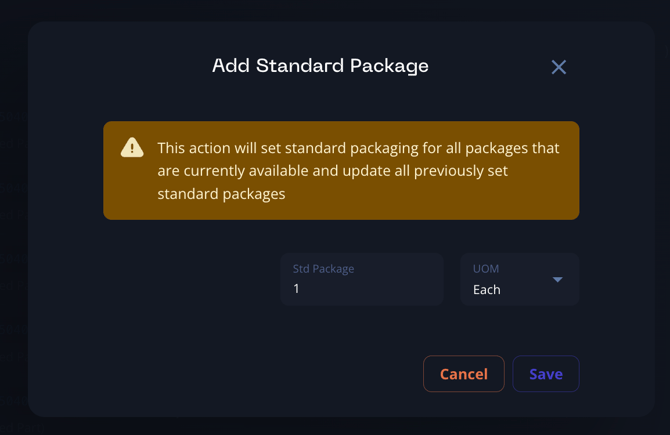
- Click on the ellipsis (3 dots) on the right-hand side.
- Select "Add a std. package".
- This will update the package size for all suppliers available for that part.
Note: Breadboard tries to pull in package size automatically from supplier data. However, manual updates may be required in some cases.