
Configuring Project Settings
- Accessing the Feature:
- Navigate to the "Settings" tab from the main dashboard.
- Select "Project Settings" from the dropdown menu.
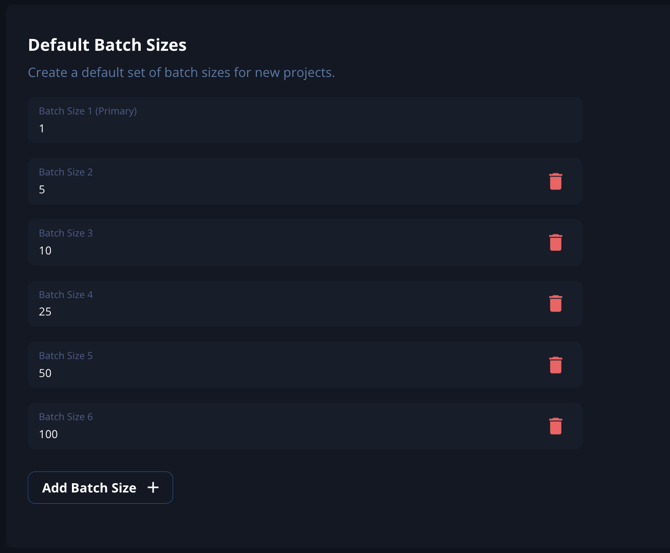
- Default Batch Sizes:
- Set the default batch sizes for different types of projects.
- Adjust other default parameters as required to align with your project management practices.
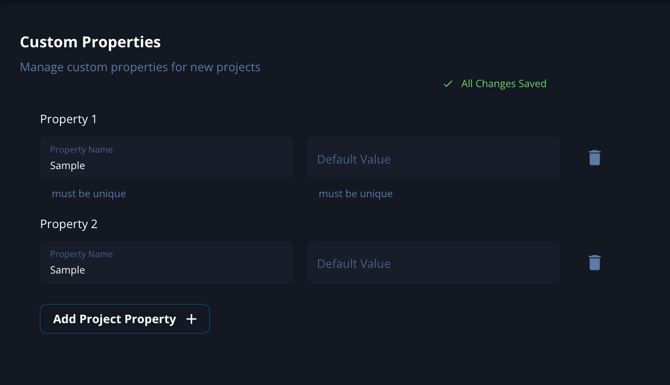
- Default Custom Fields:
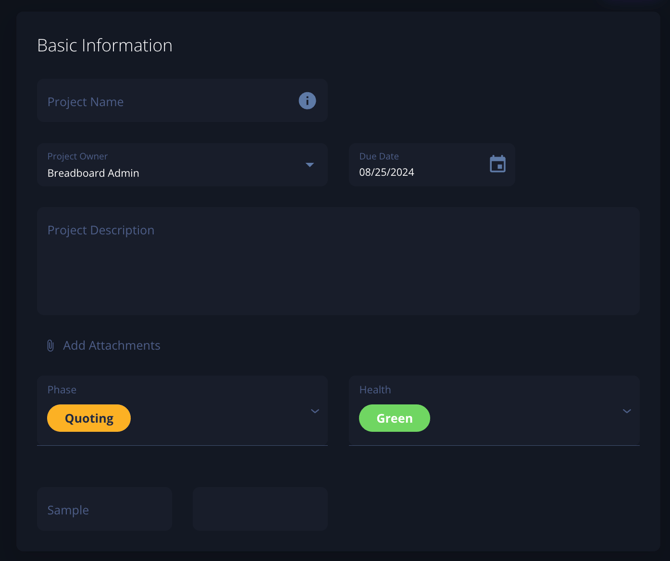
- Create and manage custom fields on the project overview page.
- When exporting project data, all custom fields will be included in the export options.
Supplier Management
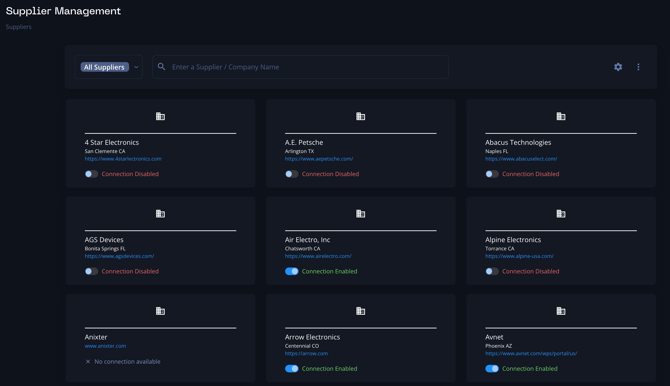
- Enable/Disable Suppliers:
- In the "Supplier Management" section, you can enable or disable suppliers based on their performance or your current needs.
- Manage contacts for each supplier, ensuring all contact details are up to date.
- Custom API Pricing:
- Set up custom API pricing for suppliers. This involves integrating supplier pricing data through APIs for real-time updates.
Export Profiles
- Custom Branding:
- Upload your logo and set your brand colors to ensure all exports reflect your company's branding.
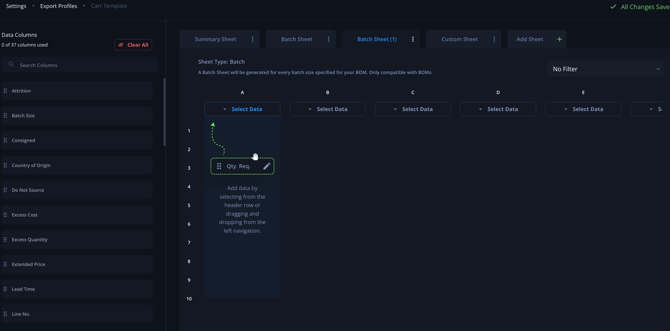
- Adjust Export Formats:
- Customize the export formats for various documents such as quotes, BOM + labor and margin, purchase orders, problem parts, raw data, and ERP data dumps.
- Use the advanced filtering options to include or exclude specific data based on your requirements.
Best Practices
- Regular Reviews: Periodically review and update your project settings and supplier management to ensure they remain aligned with your current business needs.
- Consistency in Branding: Ensure all exports are consistently branded to maintain a professional appearance.
- Leverage Automation: Utilize custom API pricing to automate and streamline the procurement process, ensuring real-time access to supplier pricing.